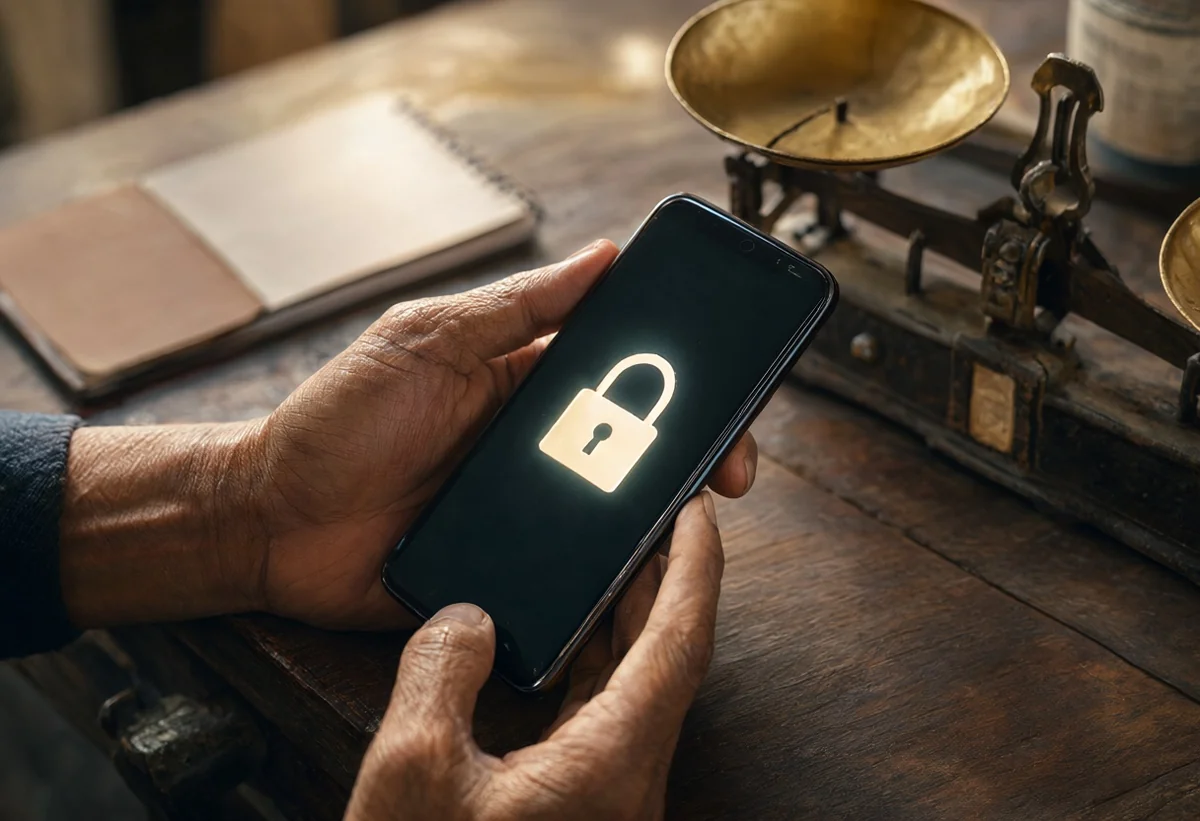
Most small businesses do not get hurt by clever attackers. They get hurt by ordinary gaps that nobody had the week to close: a shared password that never changed, a backup that stopped running in the summer, a laptop that has been asking for an update for three months, a staff member who left and still has access to the accounts. Security for a company with ten or fifty people is rarely a technology problem. It is a rhythm problem. The doors are known, and the work is to walk past them often enough that none is left open for long.
This article describes a ten-minute round that an owner or a trusted manager can do every Monday morning. It needs no new software and no consultant. It needs a short checklist, a calm cup of tea and the willingness to treat the list as seriously as the weekly sales review. Think of it the way a shopkeeper thinks of pulling down the shutter and checking the lock before going home. Nobody calls that a cybersecurity programme, yet it prevents more loss than most programmes do.
Why a short habit beats a long policy
Many owners have, somewhere, a long security policy that someone prepared for a tender or an audit. It is usually accurate and almost never read. A policy tells people what the company intends. A habit tells the company what actually happened this week. When something goes wrong, the useful question is rarely whether a policy existed. It is when anyone last looked.
A short weekly round has three advantages. It is small enough to survive a busy week, so it actually happens. It produces a dated record, which helps if a customer, a bank or an insurer ever asks what you do. And it trains the person doing it to notice small changes: a new admin account nobody created, an unfamiliar device on the list, a vendor who suddenly asks for a change of bank details. Attackers depend on the fact that nobody is looking. The round is simply a way of looking.
Minutes one and two: accounts and access
Start with who can get in. Open the admin page of your email service, your accounting software and your website, and read the list of users. You are not auditing anything deep. You are asking three plain questions. Does every name on this list still work here? Does anyone have more access than their job needs? Is there any account that nobody can explain?
People leave companies, interns finish, freelancers complete a project, and the account stays. An old account with a reused password is one of the commonest ways into a small firm, because nobody is watching it. If a name does not belong, remove it or reduce it to the lowest level it needs. If you cannot tell whether a name belongs, ask before you delete, but do not leave the question open past the week.
While you are there, check that two-step sign-in is switched on for the accounts that matter most: email, banking, accounting, the website and the cloud storage where your files live. Email deserves special attention because it is the key to everything else. Anyone who controls your email can reset the passwords of almost every other service. If only one account in the business has the stronger sign-in, make it the main email of the owner.
Minutes three and four: backups that you have actually seen
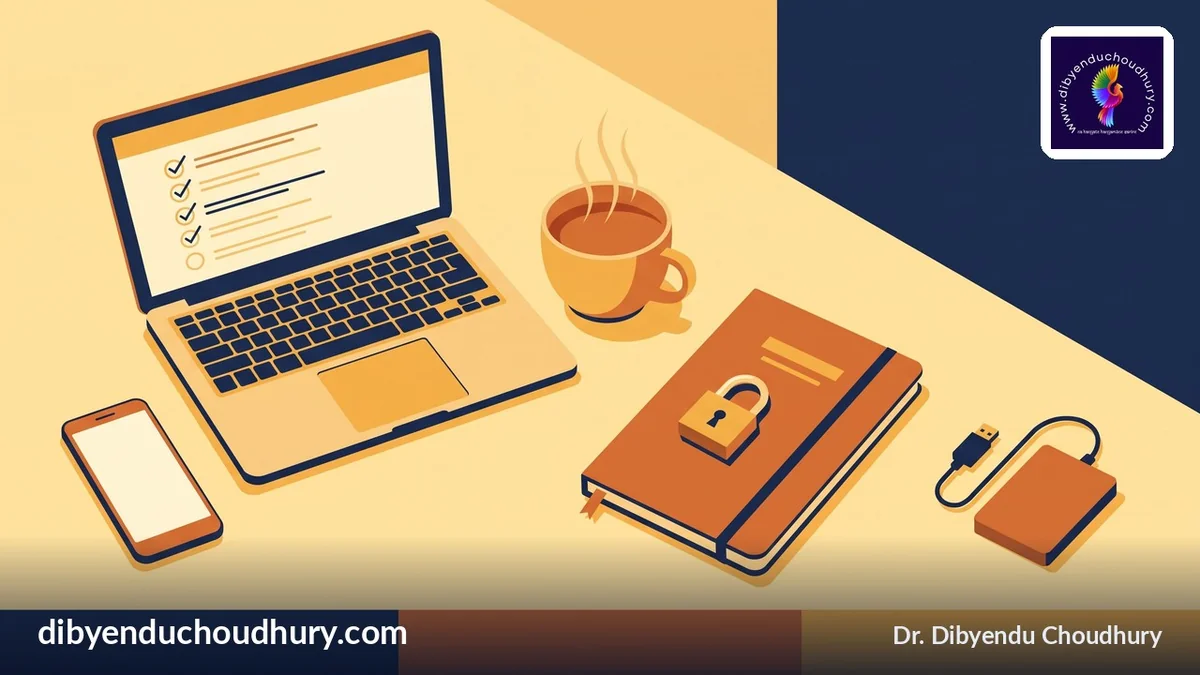
A backup you have never looked at is a hope, not a backup. On Monday, open the place where your backups are stored and read the date of the most recent one. Do not rely on a green tick in a dashboard. Look for the date and, once a month, open one file from it to prove that it can be read.
The question to answer is simple: if the main computer, the shared drive or the accounting file disappeared tonight, what is the newest copy, and where is it kept? The answer should include a copy that is not connected to the same network. Software that locks files can reach anything it can see, including a backup drive left plugged in, so keep at least one copy that is offline or held by a separate service with its own sign-in.
If the date is old, treat it as the most important finding of the week. A stalled backup is a silent fault. It does not announce itself, and the day you discover it is the day you need it.
Minutes five and six: updates and devices
Updates are tedious, and that is exactly why they are neglected. Yet many break-ins use weaknesses that were fixed months earlier by a patch the owner never installed. On your round, glance at three things: the operating systems of the office computers, the router or firewall at the premises, and the website software and its plugins.
You do not need to install everything on the spot. You need to know what is waiting, and to book a time for it. A rule that works well for small firms is that critical updates are installed within the week and the rest within the month. If a device is so old that it no longer receives updates at all, put it on a short list for replacement. Running an unsupported machine that holds customer data is a risk the owner is choosing, whether or not anyone has said it aloud.
Also take a moment to ask whether every device that touches company data is one you know about. Personal phones, a home laptop used for the accounts, a tablet someone brought in. You cannot protect what you have not counted, and a short written list of devices is worth more than a long guess.
Minutes seven and eight: money and the change-of-details trap
The loss that hurts small firms most is often not a technical break-in at all. It is a convincing message asking someone to change a bank account, pay an urgent invoice or buy gift cards for a manager who is supposedly in a meeting. These messages work because they borrow trust: a familiar name, a plausible deadline, a request that seems routine.
On Monday, look through last week's payment requests that involved a change: a new supplier account, an altered bank detail, an unusual urgency. For each one, ask whether it was confirmed by a second route, such as a phone call to a number you already had, not a number written in the message. The rule is the same every time. A change to where money goes is verified outside the channel in which it was requested.
Write that rule down and share it with whoever pays bills. Make it normal and unembarrassing to say, "I will call you back on the number we have on file." A good supplier will not mind. A fraudster will.
Minutes nine and ten: people and one small lesson
The last two minutes are for the humans. Ask whether anyone reported a strange message last week, and whether they were thanked for it. The most valuable security tool a small company owns is a team that feels safe saying, "I clicked something and I am not sure about it." If people fear blame, they hide mistakes, and a hidden mistake gets days longer to hurt you.
Then share one small lesson. It might be a single sentence in the team chat: a reminder that the company will never ask for a password by message, a screenshot of a fake delivery notice, or a note that links in unexpected attachments should be checked before they are opened. Repetition is the whole point. People do not remember a long training session from March. They remember a short, friendly reminder from last Monday.
Keeping the record
After the ten minutes, write down three things in a shared note or a simple sheet: the date, what you found, and what you will fix this week. Do not aim for neatness. A line such as "old backup, two weeks stale, restarted job, checked Tuesday" is perfect. After a quarter you will have a small history that shows how the business has improved, and it will answer a customer's security questionnaire far better than a polished policy that nobody follows.
If you cannot do the round yourself, give it to one named person and ask for a one-line message every Monday. The name matters. A task that belongs to everyone belongs to no one, and security tasks drift quickly.
What the round does not do
It is worth being honest about the limits. A weekly habit will not stop a determined, well-resourced attacker, and it does not replace professional help for a business that holds sensitive medical, financial or personal records at scale. It also does not remove the need to know what you will do on the worst day: who you call, which accounts you lock first, who speaks to customers. Spend an afternoon, once, writing that down on one page and keep a printed copy somewhere other than the computer that might be affected.
What the round does is close the common doors and keep them closed. For most small firms that is where the real risk sits, and it is a risk the owner can reduce this very Monday for the price of ten minutes.
One question to take away
If your main email account were taken over tonight, how many of your other accounts could the attacker reset from it, and what is the first thing you would do? If the answer makes you uneasy, you have your first item for next Monday. Share one habit that works in your business in the comments; I read every one.
If you would like practical notes like this in your inbox, you can join the free newsletter.
📬 Join 49,000+ Indian Professionals
The Inner Circle newsletter delivers curated MSME intelligence, leadership wisdom, and strategic insights every week — completely free. Plus receive the 20 Gita Lessons PDF as a welcome gift.
Subscribe Free →Ready to Go Further?
Is your MSME cyber-ready? I offer focused digital-risk assessments to help small businesses protect their data and reputation.
Book a Cyber-Risk ReviewPublished 10 November 2026 · dibyenduchoudhury.com