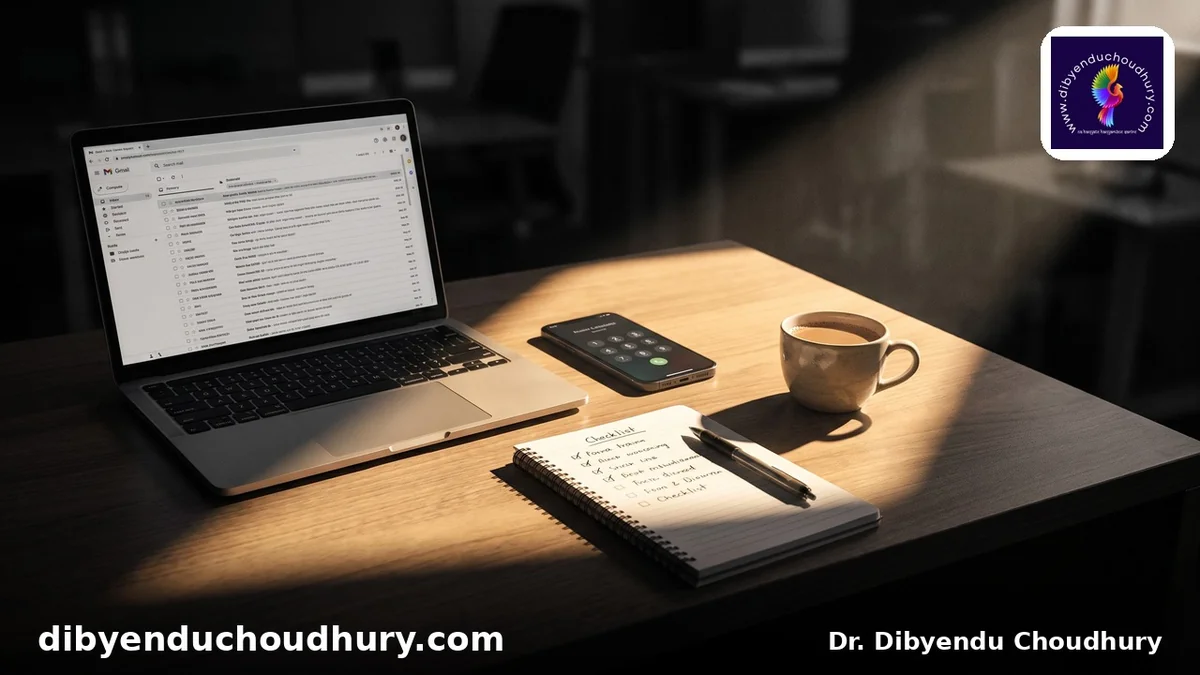
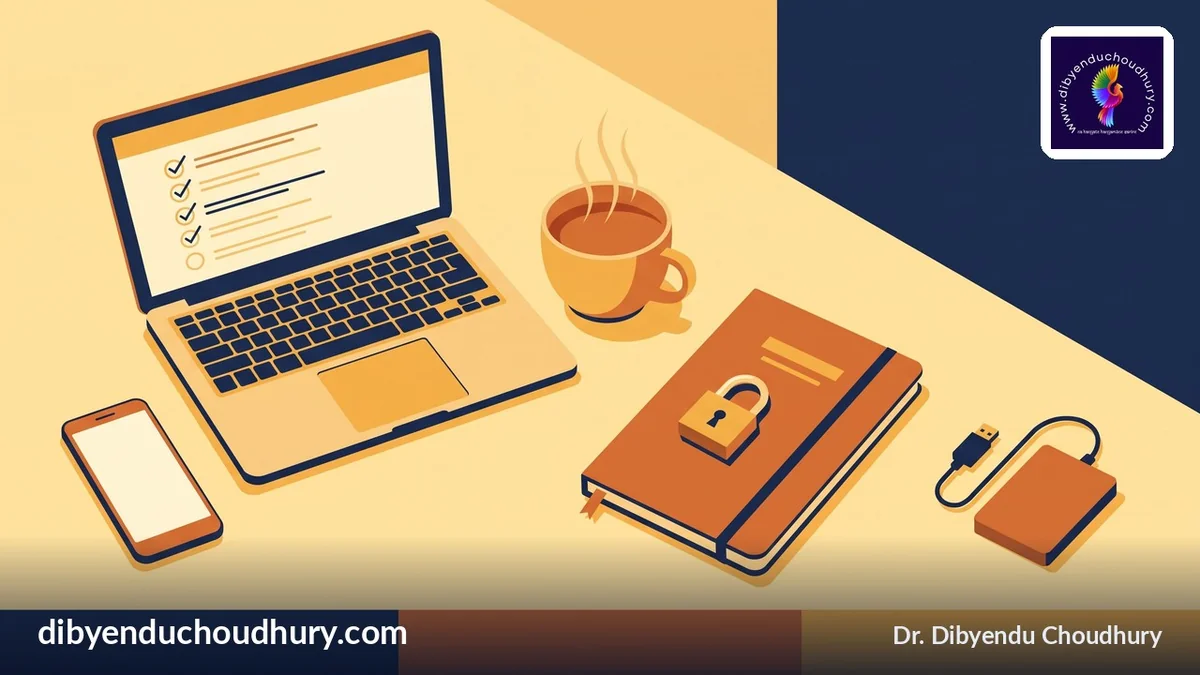
Ask any owner what the business owns and the list comes quickly: the shop, the stock, the machine, the vehicle. Very few mention the thing that would stop the work fastest if it vanished: the accounts file, the customer list, the price sheet, the designs, the photographs of every finished job. These usually live on one laptop in the back office, or on the owner's phone, and they are one spilled cup of tea away from being gone.
Data is rarely lost in a dramatic way. A hard disk grows old and stops one morning. A phone slips out of a pocket on a bus. The power fails in the middle of saving the accounts. Someone opens the wrong attachment and every file is locked. A helpful relative cleans up the computer. None of this is unusual, and all of it is survivable if another copy exists somewhere else. The whole subject of backup comes down to that one sentence. What follows is a simple way of making it true.
The rule in one line
People who look after data for a living use a short rule, and it suits a ten-person firm as well as a large one. Keep three copies of anything you cannot afford to lose. Keep them in two different kinds of place. Keep one of them away from the premises. To that I would add a part that matters more than the other three together: test it. So the habit is easy to remember. Three copies, two places, one test.
Three copies means the file you work on every day and two backups of it. Two places means the copies should not share the same fate: a second folder on the same laptop is not a second place, because whatever happens to the laptop happens to both. And one copy away from the premises is there for the day the trouble is not inside the computer at all, but a theft, a fire or a flooded ground floor.
First, decide what cannot be lost
Do not begin by buying a hard disk. Begin with a sheet of paper. Write down what the business could not rebuild from memory: the accounting data, sales invoices and purchase bills, the customer and supplier contacts, price lists and quotations, designs, drawings, recipes or formulas, staff records, licences and registration certificates, agreements, and the photographs of completed work that win the next order.
Then write, beside each item, where it lives today. This second column usually holds a surprise. The customer list turns out to live only in the owner's phone contacts. Half the orders live only in chat messages. The licence scans sit in an old email that nobody could find in a hurry. The designs are on the personal laptop of a designer who works three days a week. You cannot protect what you have not located, and this one page is the most useful part of the whole exercise.

The two places
The first place is an external drive that belongs to the business. Once a week it is connected, the backup is taken, and then it is disconnected and put away. The disconnecting matters. A drive that stays plugged in all week will be damaged or locked by the same trouble that reaches the computer. A drive that sits in a drawer cannot be touched by anything that arrives through the internet.
The second place is a cloud storage account, opened in the name of the business and not in the personal name of an employee, with a strong password and a second sign-in step. The working folder can be set to copy itself there through the day. This is convenient, but understand its limit: a folder that copies itself will also copy your mistakes. Delete a file, or let it be damaged, and the damage travels too. So check that the service keeps older versions of a file for a period, learn where that setting is, and do not treat the cloud copy as a reason to skip the drive.
If the budget allows, buy two drives and alternate them, one in the office and one at the owner's home. Then the copy away from the premises does not depend on the internet at all.
The phone is part of the office
In a small business the phone is not a personal object. It holds the contacts, the order conversations, the pictures of the site and the delivery proofs. Set the contacts to save to an account the business controls, so that a lost handset does not mean a lost customer list. Turn on the chat backup in the messaging app and check the date of the last one. Let work photographs upload on their own. And keep a short written note of which mobile number is tied to which bank account and payment app, because on the day a phone is lost, that note is what you will reach for first.
Ten minutes on the same day every week
A backup that depends on someone remembering will not happen. Fix a day and tie it to something that already happens, such as the Friday closing. Connect the drive. Let the copy run while the cash is counted. Disconnect it. Put it in its place, which should not be the laptop bag.
Name one person who is responsible and one deputy for the weeks of leave. Keep a small register on the wall with three columns: the date, the name, and a tick. It sounds old-fashioned. It works because a missed week becomes visible to everyone, including the owner, without any software telling them.
The test that nobody does
A backup that has never been restored is only a hope. Once a month, take one file from the backup, any file, and open it on a different computer. Once in a few months, do the larger test: restore the accounting data into a trial company and check that the last entry you remember making is there.
The first test nearly always finds something. The drive filled up long ago and the copies quietly stopped. The folder was moved and the backup has been faithfully saving an empty one. The cloud password is known only to a person who has left. Each of these is a small embarrassment on a quiet afternoon. Discovered on the day of a crash, the same fault is a disaster. That is the whole case for testing.
Five mistakes worth avoiding
The first is the copy on the same machine, which protects against nothing but an accidental deletion. The second is the pen drive as the only backup: it is small, easily lost and not built to be trusted for years. The third is the account in a former employee's name, which the business cannot open when it most needs to. The fourth is the password that lives in one head. Write the recovery details down, seal them in an envelope, and keep it where the owner keeps the property papers. The fifth is backing up the accounts and forgetting everything else, so that the books survive and the designs do not.
What it costs and what it saves
The cost is modest: a drive or two, a storage plan, and ten minutes a week from one careful person. What it saves is harder to see until the day it is needed. It saves the fortnight spent typing a year of bills back in from paper. It saves the calls to customers asking them, awkwardly, what they owe you. It saves the order you would have lost because the drawing could not be found. A business that can be back at work by the next morning has an advantage that no customer ever sees and every customer benefits from.
One question to take away
If the office laptop did not start tomorrow morning, which file would you miss first, and where is its second copy at this moment? Tell me in the comments; I read every reply.
If you would like notes like this in your inbox, you can join the free newsletter.
📬 Join 49,000+ Indian Professionals
The Inner Circle newsletter delivers curated MSME intelligence, leadership wisdom, and strategic insights every week — completely free. Plus receive the 20 Gita Lessons PDF as a welcome gift.
Subscribe Free →Ready to Go Further?
Is your MSME cyber-ready? I offer focused digital-risk assessments to help small businesses protect their data and reputation.
Book a Cyber-Risk ReviewPublished 25 November 2026 · dibyenduchoudhury.com